
CAMO, MRO, and Supply Chain — fully integrated, cloud-native, built on 25 years of aviation expertise.
Choose the power of AIR22, our SaaS dedicated solution.
This site is protected by reCAPTCHA and the Google
Privacy Policy and Terms of Service apply.
Our CAMO-specific module provides a feature-rich fleet airworthiness management solution. Import documents (AD/SBs, programs, flat logs) and update your aircraft with comprehensive workflows. AIR22 has been certified with users under Transport Canada, FAA, and EASA regulations.
The MRO module will encompass all facets of your daily operations and streamline your digitalization initiatives. Allocate resources based on time and certifications, visualize and update tasks, generate all necessary documents, and digitally sign them.
AMS’ supply chain module is a complete suite of services designed to cover the entire inventory management process. You will benefit from advanced features for managing parts and tools and enjoy a complete sales/purchase workflow.
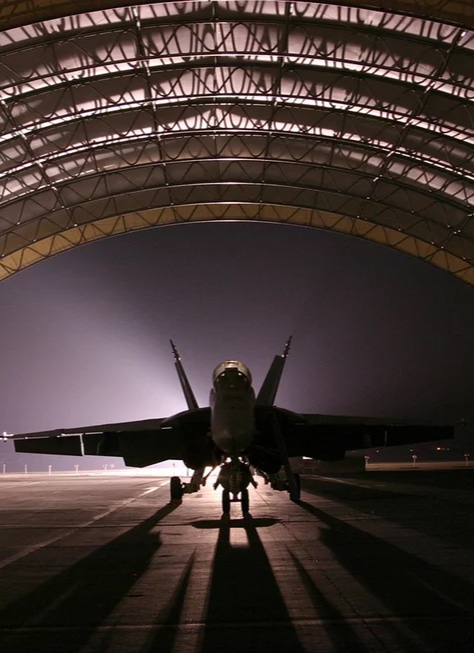
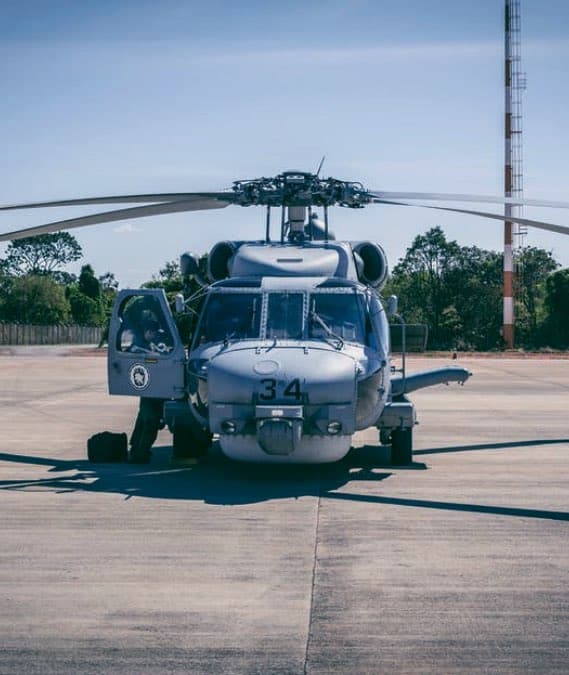
Operators/CAMO, MROs, maintenance shops organizations within the General and Business Aviation, Commercial Aviation Industry and Military are relying on us to ensure minimum A/C downtime, streamline maintenance processes and increase staff productivity.
We have a solution that is tailored to your operations and fleet, whether you manage fixed-wing, rotary-wing or a mix fleet of any size!
AMS also offers a wide range of professional services; consulting, training, migration services, IT expertise, features customization and responsive customer care to make sure you get the most out of your maintenance tracking system!
AIR22 is a cloud-based Maintenance Information System (MIS) developed by AMS (Aircraft Maintenance Systems) for aircraft operators, MROs, and CAMO organisations. It covers airworthiness management, maintenance workshop operations, and supply chain in a single integrated platform, hosted on Microsoft Azure.
No. AIR22 is a separate product, built on a Graph Database architecture (Neo4j) and hosted on Microsoft Azure. It was developed over three years in direct collaboration with active AMS clients. AMS v21 remains in production and is supported in parallel.
Yes. AIR22 includes a native offline mode designed for field operations, remote bases, and hangar environments with limited or no connectivity. Data synchronises automatically when the connection is restored.
For new deployments, the average phase-in is 10 days following a two-day training programme. For organisations migrating from an existing system, including AMS v21, the full migration timeline is 6 to 8 weeks, including data extraction, validation, configuration, and staff training.
Yes. AIR22 is used by operators and MROs under EASA, FAA, and Transport Canada regulatory frameworks across 43 countries. Compliance workflows are built into the CAMO module and all document generation is adapted to each jurisdiction.
You’re looking for a way to shorten the planning of aircraft maintenance, components & assemblies?
Take action!
This site is protected by reCAPTCHA and the Google
Privacy Policy and Terms of Service apply.
Contact Us
This site is protected by reCAPTCHA and the Google
Privacy Policy and Terms of Service apply.